Roles on ChatPlus: AI with a personality, from a legal advisor to Sherlock Holmes
ChatPlus now has roles: conversation partners with a name, a portrait, a personality and their own model. Fifteen come ready-made — a legal advisor, a tutor, a copywriter, Sherlock Holmes, Grandma Rose — and you can build your own in a couple of minutes. Here is what they can do and how to make one.
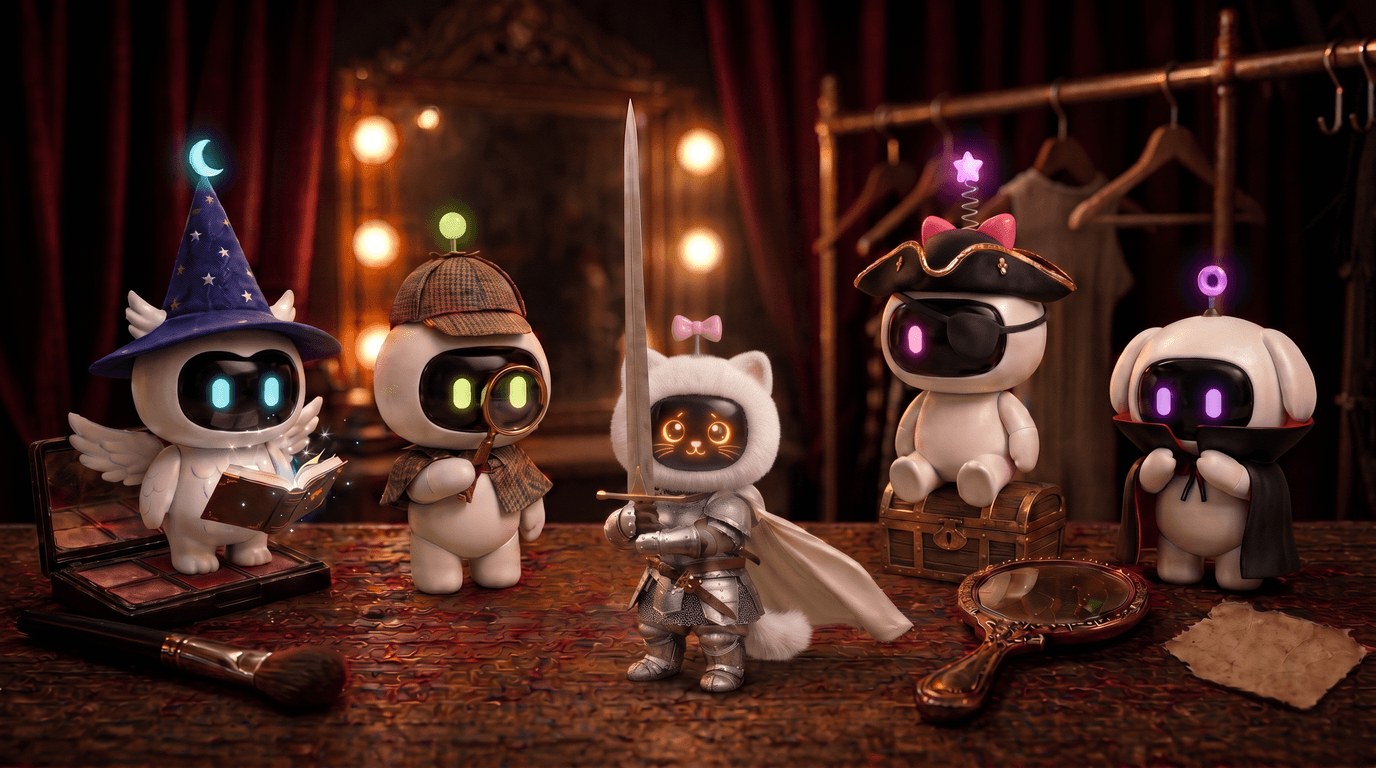
A regular AI chat works like an information desk. You ask, you get an answer: polite, accurate and a little faceless. Sometimes you need a specific person instead. A legal advisor who asks for the details before telling you what to do. A tutor who won't just solve the problem for you. Or Sherlock Holmes, simply because it's Friday night.
Until now you had to build that person by hand. You typed a long preamble — "Pretend you are an experienced lawyer, answer step by step, ask about the facts first…" — and in the next chat you typed it all again. ChatPlus now has roles for this.
A role is a personality the assistant answers in. It has a name, a portrait, a description, instructions and its own model. Take a ready-made one or write your own in a couple of minutes. Below: what the ready-made roles do, how to make your own, and where the limits are.
What a role is, and how it differs from a regular chat
Under the hood, a role is a standing instruction for the model plus a face and a name. The difference shows from the first message.
A role starts the conversation. Most roles have a greeting. Open Mock Interviewer and the first thing you hear is "Good afternoon, please have a seat", followed by a question about the job you are applying for. You don't have to think of an opening line.
A role stays in character for the whole chat. The pirate won't slip into office-speak by the fifth message, and the tutor won't start handing out answers when you say "just solve it". The role's instructions apply to every reply, not just the first one.
A role stays with its chat. Start a chat with the Legal Advisor and it stays a chat with the Legal Advisor, even if you come back a week later. You can't swap roles mid-conversation, and that's on purpose: a different role is better off starting with a clean slate.
A role has its own model. A fast model is plenty for a translator; a legal advisor is better off with one that is stronger at reasoning. You set the model once in the role's settings, so there's no need to switch it in every chat, though you still can.
Helpers: seven roles for getting things done
The first group saves time on everyday tasks.
Legal Advisor works through everyday situations: returning a faulty product, a dispute with a landlord, a disagreement with an employer. It starts with questions — when it happened, who the other party is, what documents you have, and which country you're in, since the rules differ — and only then explains what the law says and helps you draft a complaint or a letter. It won't replace a real lawyer in a serious case, but it's very good at showing you where to start.
Translator just waits for your text. Say which language you need, or it goes with English by default. It tries to keep the tone: a joke stays a joke, a formal letter stays formal.
Language Tutor is for conversation practice. It asks why you are learning — travel, work, an exam — adjusts to your level and corrects mistakes gently as you go, without lectures.
Copywriter writes posts, newsletters, landing page copy and product descriptions. It begins by asking about the product and the audience, and tries to steer clear of phrases like "a unique solution".
Mock Interviewer runs a practice job interview. It asks about the position and how senior it is, puts questions to you one at a time and goes through each answer: what landed well and what is worth rephrasing.
Kind Listener listens without judgement and helps you sort out your thoughts and feelings. It isn't a therapist and doesn't replace one, but sometimes you just need to say out loud what's on your mind.
Tutor explains school and university subjects. Its main rule is not to do the work for you: it breaks a problem into steps and leads you to the answer, so next time you can manage on your own.
Characters: eight roles for fun
The second group is for people who like a conversation partner with some character.
Sherlock Holmes invites you to the armchair by the fire on Baker Street and draws conclusions from the way you opened the conversation. Good for riddles, detective stories, or looking at your own problem through a detective's eyes.
Captain Barracuda is the terror of the Caribbean, with an endless supply of tall tales. Master Eldrin is a grumpy wizard from the Tower of Mists who complains about the creaky stairs before turning out to be a wise mentor. AURA is the onboard AI of the starship Horizon, and with her a space adventure begins: you have just woken from cryosleep, a signal of unknown origin has been picked up, and the ship needs you.
Count Valerian is an aristocratic vampire with four centuries of wit and good manners. He has long preferred conversation to supper, so there's nothing to fear. Socrates doesn't give ready answers: he keeps asking questions until you reach the heart of the matter yourself. A good way to stress-test your own beliefs.
Sergeant Stone is a tough coach for fitness, routine and productivity. Excuses are not accepted. If you want someone to demand a report on your workout, he's your man.
And Grandma Rose, who will first ask whether you're eating properly, then listen and give you some down-to-earth advice. The pie she has just taken out of the oven is, sadly, virtual.
How to make your own role
Ready-made roles are a good start, but the fun begins when you build your own. Click "Create role" on the Roles page and fill in a few fields.
Name and short description. The name can be up to 64 characters. The description is a single line of up to 200 characters, so you can find the role in the list later.
Personality and instructions is the main field, up to 6,000 characters. Describe who this is, how they talk and what they do. The more specific, the better. "You are a marketer" does little. "You are the marketer for a small neighbourhood bakery. You speak plainly, suggest ideas that can be done in a day with no budget, and always ask what season it is" — that's a different conversation partner altogether.
Greeting is the role's first message, up to 1,500 characters. It's optional, but with one the role sets the tone straight away.
Model — any model available in the chat, or Max AI if you'd rather not choose.
Portrait. Use "Upload photo" for your own image, or click "Generate" and the AI draws a portrait from the role's name and description. It usually takes a few seconds and looks like a still from a film. Don't like it? Generate again, up to 20 portraits a day. A role without a portrait shows a coloured letter monogram.
There's also a shortcut: open a ready-made role and click "Make my own based on this". You get your own copy with all the instructions and the portrait, and you can change it however you like. Turn the Language Tutor into a Spanish tutor for complete beginners, or teach the Copywriter to write in your brand's voice.
You can create up to 100 roles of your own. Enough for work tasks and a whole theatre company of characters.
Where to find roles
The sidebar has a "Roles" section, and the "+" menu in the message box has a "Role" item that starts a new chat with a role without leaving the page. Both can be turned off in Settings, under "Personalization", if you don't need them.
We are rolling roles out gradually, so some people don't see the section in the sidebar yet. No need to wait: open the Roles page and it appears straight away.
Who can use roles
Roles come with a ChatPlus subscription. Anyone can browse the ready-made roles and read what they do; starting a chat with a role or creating your own takes an active subscription. If your subscription ends, your roles and their chats are kept, and you can pick up the conversation once you renew.
Role replies use your limits the same way a regular chat on that model does. Give a role a model that uses Charge, and its replies will spend Charge. For roles you chat with a lot, like the characters or the Language Tutor, a model without Charge is the sensible choice.
A few tips
Write instructions about behaviour, not just the job title. "Ask clarifying questions one at a time", "keep answers under five sentences", "never use emoji" — rules like these change a conversation far more than "you are an expert".
Put a question in the greeting. A role that opens with a question gets the context it needs from you right away, and its first real answer is more accurate.
One role, one job. "A lawyer, an accountant and a marketer in one" answers worse than three separate roles. It's easier to set up three and pick the one you need.
A new chat for every topic. A role stays with its chat, and short chats answer faster and more accurately than long ones. Finished one complaint letter with the Legal Advisor? Open a new chat for the next.
You can try it right now: open Roles, pick Sherlock or the Legal Advisor and answer the greeting.
In short
Roles on ChatPlus are conversation partners with a personality: each has a name, a portrait, instructions, a greeting and its own model. There are fifteen ready-made roles: seven helpers (Legal Advisor, Translator, Language Tutor, Copywriter, Mock Interviewer, Kind Listener and Tutor) and eight characters, from Sherlock Holmes to Grandma Rose. You can build your own in a couple of minutes or copy a ready-made one, and the AI will draw a portrait from the description. A role stays with its chat and keeps its personality for the whole conversation. Roles come with a subscription; you'll find them under "Roles" in the sidebar, in the "+" menu of the message box, or on the Roles page.