How to switch from ChatGPT or Claude to another service without losing your history
What keeps people in ChatGPT or Claude usually isn't the model. It's everything they've built up: chats, instructions, memory, projects. Here's what to take with you before you leave, how to pick the next service, and how to move your chat history into ChatPlus in a couple of minutes.
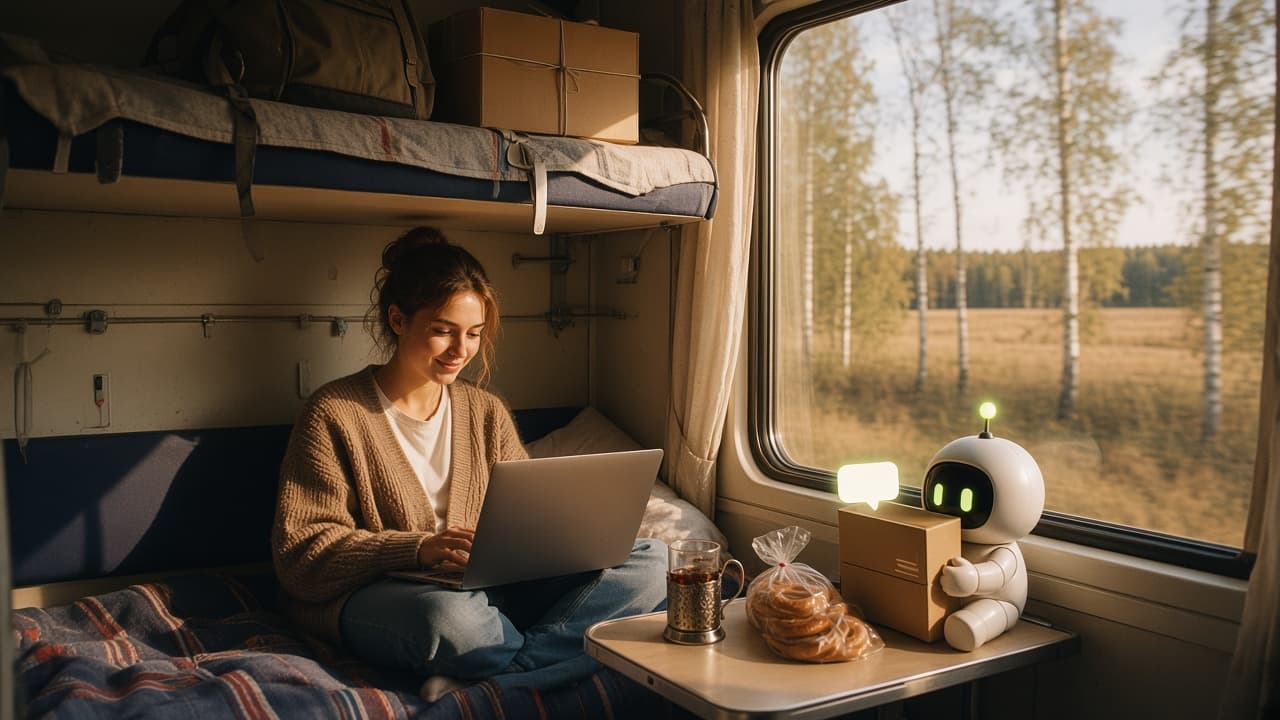
Switching to a different AI chat is technically easy: open another website and start typing. The model isn't what holds you back. What holds you back is everything you've accumulated over a year or two: hundreds of chats, prompts you polished for weeks, custom instructions, the things the assistant remembers about you, projects full of files. Starting from a blank page feels like a loss, so plenty of people stay with a service they've outgrown.
You can take almost all of it with you, though. Below: how to prepare, what to look for in the next service, and how to move your history into ChatPlus so your old conversations can pick up where they left off.
Why people are leaving right now
On October 1, Anthropic suspended a large batch of Claude accounts in regions it doesn't officially serve, Hong Kong among them. We covered the wave in detail. Some people woke up locked out of their chats. Others simply don't want to wait and find out whether they're next.
ChatGPT is quieter, but there are reasons to move that have nothing to do with politics. The biggest one: one subscription, one family of models. You might like Claude for writing, GPT for analysis and DeepSeek for a quick second opinion, and paying for three separate services adds up fast. Add outages, sudden limit changes and features that appear in one country months before another, and the itch to switch makes sense.
The reasons differ. The question is the same: how do you leave without losing anything?
What actually keeps you in the old service
It helps to write down, honestly, what you'd hate to lose. For most people the list looks like this:
- Chat history. The most valuable and the bulkiest part. Solutions you keep coming back to, wording you'd never remember on your own.
- Instructions. What you've told the assistant about yourself and how you like answers.
- Memory. Facts the model picked up on its own: where you work, your tech stack, that you can't stand long intros.
- Projects. Folders with their own chats, instructions and uploaded files.
- Habits. You know how each model answers and how to talk to it.
History and projects can move over in full. Instructions and memory take about ten minutes by hand. Habits come along for free if the new place has the same models.
Step 1. Download your archive while you still have access
Both services let you export all of your conversations as a single archive. It's your data, and it's worth grabbing before you need it, not on the day an account gets closed.
ChatGPT. On chatgpt.com, open Settings, go to Data controls and click Export data. You'll get an email with a link to a ZIP file, usually within minutes, longer for big accounts. The link expires after about a day, so download it right away. No need to unzip it.
Claude. On claude.ai the path is similar: Settings, Privacy, Export data. With a modest history, the emailed link downloads one ZIP. With a big one, you get a manifest.json file that lists several archives. We'll get to that below.
If your Claude account has already been suspended, export still seems to be available, according to people who received the suspension email: Anthropic offers it there. That could change any day, so don't put it off.
Step 2. Save what the archive doesn't include
The archive contains your conversations. Personalization settings aren't in it, and that's easy to miss.
Instructions. Open the personalization settings in your old service and copy everything into a note: both "what should it know about you" and "how should it respond". If you use projects, save their instructions too.
Memory. In ChatGPT, saved memories are listed in the personalization settings, so you can read through them and copy what matters. There's a faster way: ask the model, "List everything you remember about me in one list." You get a ready-made cheat sheet to paste into your instructions in the new place. The same trick works with Claude.
Custom GPTs. If you built your own GPTs, copy their instructions. Your conversations with them will move over, the GPTs themselves won't.
Step 3. Decide what to do with the subscription
You don't have to cancel on moving day. It's easier to turn off auto-renewal and use the time you've already paid for. If you keep chatting in the old service for a while, that's fine too: export again in a month and add the new chats (more on that below).
How to choose where to go next
Pick the next service by more than the model. A few questions that save you from moving twice:
- Does it have your models? If you're used to Claude, moving somewhere that only has GPT means changing the service and your habits at once. A place with both families is easier.
- How do you pay? Monthly or quarterly, what happens when you cancel, whether you can see what's left of your limits.
- Can you bring your history? Without an import, switching means starting over.
- What happens to your data? Where conversations are stored, who can see them, whether you can delete them.
- Is it tied to a single vendor? If one company changes its rules, does your work stop?
We built ChatPlus around exactly these questions: GPT, Claude, Gemini, DeepSeek and Grok in one window, simple card payments, and, as of this fall, importing your history.
Step 4. Move your history into ChatPlus
Open Settings → Import chats and drop the archive there, or click to pick files. You don't need to say where the archive came from: the format is detected automatically. If you've already unzipped a ChatGPT archive, the conversations.json inside works too, but then only the text moves over, without images and attachments.
If Claude sent you a manifest.json, drop it into the import window. ChatPlus shows buttons like "Download 1 of 6", "Download 2 of 6" and so on. Two details matter. The links only open in a browser where you're signed in to claude.ai. And each one works once, so let a download finish before clicking the next. Then select all the downloaded archives at once, and we stitch them together.
Keep the tab open while the file uploads. If the connection drops, select the same file again and the upload resumes where it stopped. Once the file is uploaded you can close the page: the rest happens on our servers. A small archive is processed in seconds, one with a few thousand chats in a few minutes.
At the end you get a report: how many chats, messages and files were imported, which projects were created, and what was skipped and why. The project names in the report are links.
The limits are generous: archives up to 2 GB, up to 10,000 chats and 300,000 messages per import. If your archive is bigger, import the same file again and the rest gets added. Importing doesn't use your plan limits.
What moves over and what doesn't
The conversations themselves move over: your messages and the model's replies, in their original order and with their original dates. A chat you started in March last year lands in March in your history, not at the top of the list. Along with the text comes everything OpenAI and Anthropic put in the archive: images and files from messages, the reasoning of thinking models, ChatGPT canvas documents, Claude artifacts and Claude Design chats.
Projects travel differently depending on the source. Claude exports them with names, instructions and files, so they arrive complete. But Claude's archive doesn't say which project each chat belonged to, so those chats land in your general history. ChatGPT is the opposite: it's clear which chat sits in which project, but projects have no names in the export. We name each project after its chats, and you can rename it. Chats from projects also show up in the main timeline on the left, just like in ChatGPT.
Voice recordings don't move (their transcripts do), and neither do images from Claude: Anthropic doesn't include them in the export, so those chats keep their text. Memory and instructions, as mentioned, you carry over by hand.
Your first week in the new place
Start by pasting your saved instructions and the memory cheat sheet into your ChatPlus settings or into a project's instructions. It takes five minutes, and afterwards the models answer the way you're used to.
Then open a couple of old chats and keep going. An imported chat works like any other: you can add a question right where you stopped six months ago. And you can switch the model at any point, which is probably the biggest change from your old setup. A conversation you had with GPT can continue with Claude, and the other way round. Sometimes it's worth asking a different model the same old question just to see the problem with fresh eyes.
Search covers imported chats too. Remember discussing a kitchen renovation with ChatGPT a year and a half ago, but not where? A couple of words will find it.
If you live in two services for a while
That's common: habits beat plans, and for a couple of weeks you write in both. No problem. ChatPlus remembers which chats it has already imported and won't create them twice. Export a fresh archive, upload it, and only the new chats get added. One limitation: messages you add to chats that were already imported won't come through, because that chat counts as imported.
Privacy and your plan
The archive is your entire chat history. The file stays on our server only while it's being processed and is deleted right after. Imported chats are stored like any other chats of yours and are visible only to you.
Import works on any account, but without a subscription there are limits, and we tell you about them before you upload anything. Projects are a subscriber feature, so without a subscription their chats go to your general history. Files in chats are kept for 30 days. Chats with no new messages for three years are deleted; for imported chats that clock starts on the import date, and you get an email a month ahead. With a subscription, these limits don't apply.
The short version
Before you leave ChatGPT or Claude, do three things: request a data export, copy your instructions, and ask the model to list what it remembers about you. Choose the next service by its models, how you pay, whether you depend on a single vendor, and whether you can bring your history. Then upload the archive to ChatPlus under Settings → Import chats. Your chats land in your history with their original dates, files and projects, and you can continue any of them with any model.